
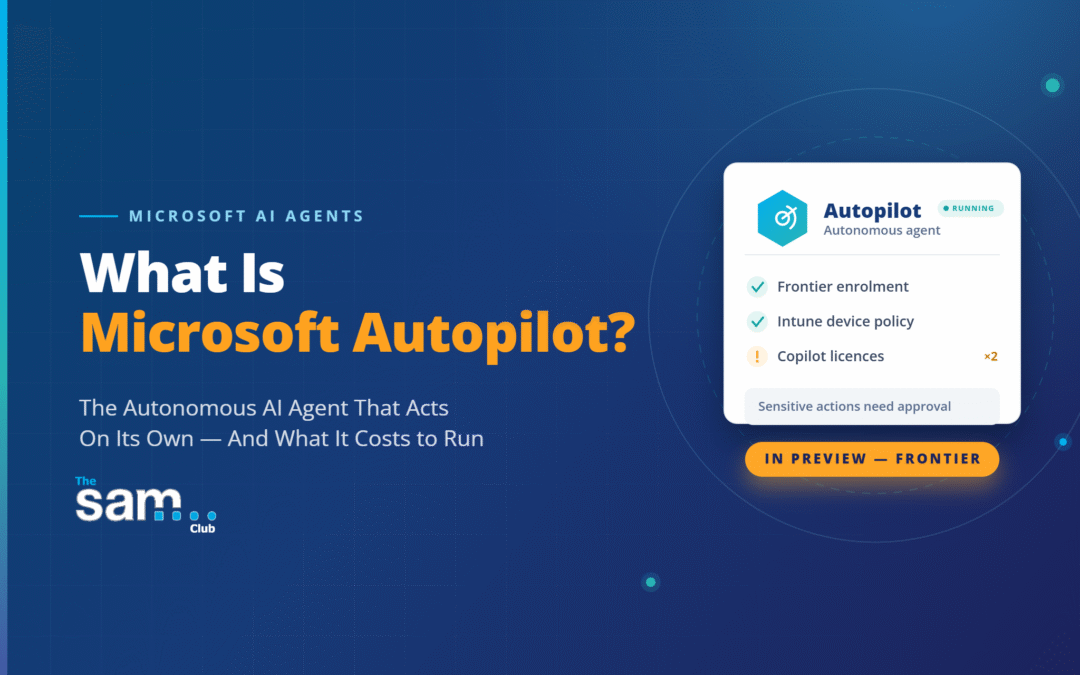
Microsoft Autopilot is a new type of AI agent from Microsoft, introduced in 2026 as part of the Frontier early access programme. Unlike Microsoft Copilot Chat, which responds when you ask it a question, Autopilot can operate autonomously in the background and can be configured to run on schedules or triggers, taking on tasks and acting across your Microsoft 365 environment with less direct prompting than traditional chatbot-style assistants. Microsoft positions Autopilot as a new category of agent: tools that carry their own identity, run on an ongoing basis, and follow through on work rather than waiting to be asked.
Autopilot should not be confused with Windows Autopilot, Microsoft’s long-standing Intune service for provisioning and setting up new Windows devices. The two share a name but are separate products. Windows Autopilot gets devices ready for users, while Microsoft Autopilot is an AI agent that carries out work on a user’s behalf.
Autopilot is currently in preview, available only to organisations that have opted into the Frontier programme, and its feature set is still evolving.
What Autopilot Can Do
Autopilot runs as a desktop application (Windows 11, with macOS 12 Monterey or later also fully supported) rather than living purely in a browser tab or chat window. From that desktop presence, it can:
- Work with files. It can read, create, edit and search local documents, including Word, Excel and PowerPoint files, together with bundled capabilities for working with those formats.
- Run commands. With permission, Autopilot can execute scripts and commands (such as PowerShell), including builds and tests, using a tiered permission model.
- Automate a browser. It can open and navigate web pages, fill in forms, and interact with web applications on your behalf.
- Act across Microsoft 365. Autopilot connects to Outlook (mail and calendar), Teams (meetings and messages), and files stored in OneDrive and SharePoint, allowing it to coordinate work across these services rather than treating them as separate silos.
- Work on a schedule. Rather than only responding to a live request, Autopilot can run in the background on a schedule or trigger, checking in periodically to progress tasks — sometimes referred to as “heartbeat” mode.
Because Autopilot can take real actions rather than only generating text, Microsoft has built a set of controls around what it can do and how those actions are approved, described below.
How Access and Approval Work
Getting Autopilot running in an organisation is not a simple toggle. Microsoft has built the rollout around several distinct layers of control:
- Frontier enrolment. An administrator must first enable the Frontier programme for the organisation (or for specific users) in the Microsoft 365 admin centre and accept that Frontier features are early-access and subject to change.
- A separate Intune policy (not Windows Autopilot). Even after Frontier is enabled, a device-level Intune policy must be deployed before a user can actually sign in to Autopilot. This sets the required device and registry conditions and is a distinct step from Frontier enrolment.
- Additional model and policy configuration. Additional configuration and policy requirements may apply depending on the models and services your organisation chooses to enable. This is an additional governance gate on top of Frontier enrolment, specifically about where and how data is processed.
- Dedicated licensing. Getting Autopilot running also requires two licences at once, not one instead of the other: an active Microsoft 365 Copilot licence, and a GitHub Copilot Business or Enterprise seat. Both licences, alongside the policy settings above, need to be in place for a user to sign in.
On top of these admin-level gates, Autopilot also builds approval into everyday use. Autopilot actions are designed to be auditable and attributable through Microsoft’s identity and governance controls, with access scoped to the specific tasks it has been given. Autopilot is also designed to track Microsoft Purview sensitivity labels on the content it accesses and to work within an organisation’s existing data-protection policies. Sensitive actions, such as sending an email, sharing a file, or updating a document, require the user’s explicit approval before they go ahead, rather than happening automatically.
Why This Matters for Businesses
Autopilot reflects a broader shift in how AI tools are being built: from systems that answer questions to systems that take action inside a business’s core systems: files, inbox, calendar, and collaboration tools. That shift changes the risk profile involved. A chatbot that only produces text carries different risks to an agent that can read a document, run a command, or send a message on someone’s behalf.
Microsoft’s response has been to layer governance in at several points: Frontier enrolment, device policy, additional model and policy configuration, licensing, identity-based auditing, and per-action approval, rather than treating agent access as a single on/off switch. For organisations evaluating Autopilot, the licensing side alone is worth planning for early: Autopilot sits on top of your existing Microsoft 365 and GitHub agreements rather than replacing them, so it adds another set of entitlements, seats and costs to keep track of. Knowing exactly what you already hold, and what an add-on like Autopilot would require on top, makes it much easier to judge whether it’s worth adopting and to budget for it accurately.
Need Help Understanding Your Microsoft Licensing?
If your organisation is looking at Microsoft Autopilot, Copilot, or other add-on Microsoft services and wants a clear picture of what you’re currently licensed for, what’s actually being used, and what new tools like this would add to your costs, get in touch with The SAM Club. Software asset management is what we do. We can help you get visibility over your Microsoft estate before you commit to anything new.