
Azure Reservation Exchange Policy Changes: What You Need to Know Before 1 February 2027
Overview
Microsoft has announced a significant change to Azure reservation exchange rules. From 1 February 2027, the ability to freely swap one reservation for another is being wound down, which aligns with Microsoft’s continued positioning of Savings Plans as the preferred option for workloads requiring greater flexibility. If your organisation holds Azure Reservations, or is planning to buy them, this is one to build into your Azure cost optimisation and renewal planning now rather than at the last minute.
What’s Changing
The exchange restriction applies to reservations covering Azure Virtual Machines, Azure App Service, Azure SQL Database, and similar compute and database services that have a Savings Plan equivalent. The rules differ depending on when the reservation was purchased:
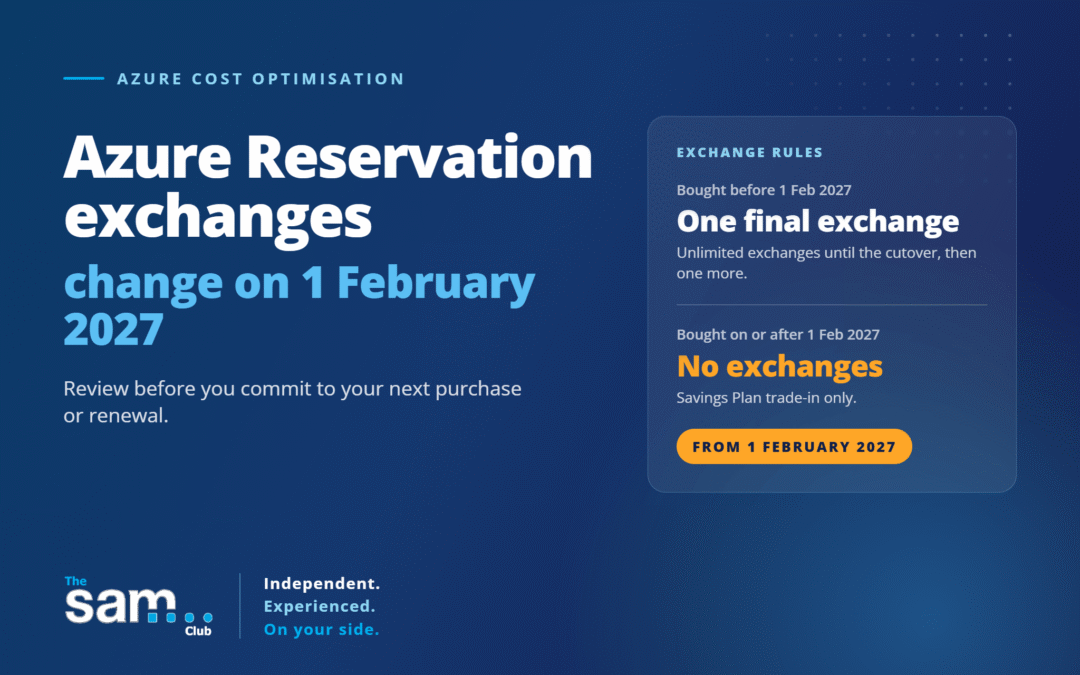
- Reservations bought before 1 February 2027 — can still be exchanged as many times as needed right up until that date. After 1 February 2027, each of these reservations gets one final exchange. Whatever reservation comes out of that exchange is no longer exchangeable itself, because Microsoft processes an exchange as a cancellation, refund and new purchase — and that new purchase falls under the new rules.
- Reservations bought on or after 1 February 2027 — cannot be exchanged at all. They can still be traded in for a Savings Plan, but the flexibility to swap between reservation SKUs, terms or regions goes away entirely.
A few things are explicitly not affected: deprecated or end-of-life products, services that don’t have a Savings Plan option (Azure VMware Solution is called out specifically), cancellation and refund rights (still capped at $50,000 USD per rolling 12-month window), and instance size flexibility for VMs.
Why This Change Matters
Savings Plans are Microsoft’s newer commitment model — you commit to an hourly spend rather than a specific VM size or SQL tier, and the discount applies automatically across eligible services and regions as your usage shifts. That flexibility is exactly what reservation exchanges have historically been used to work around: buy a reservation, then exchange it later as workloads change. The policy change may encourage organisations with dynamic workloads to evaluate Savings Plans more closely.
What This Means for Your Reservations
A couple of scenarios worth thinking through:
- If you hold a reservation bought before the cutover and use your one post-cutover exchange, the resulting reservation is locked — no further exchanges, ever.
- If you hold a reservation with auto-renewal switched on, the renewal that happens after 1 February 2027 creates a new reservation, and that new one also falls under the new, non-exchangeable rules.
- Microsoft’s published examples indicate that reservation quantities may be treated separately when exchanges occur.
In short, the closer you get to February 2027, the more a reservation purchase or renewal becomes a long-term commitment rather than something that can easily be adjusted later.
Reservations vs Savings Plans in One Sentence
- Reservations: Best for stable, predictable workloads where you know the service, region and configuration.
- Savings Plans: Best for workloads that may change over time while still maintaining a predictable overall Azure spend.
Recommendation: Review Before You Commit
Don’t let this deadline push you into either extreme — rushing to lock in reservations before the cutover just to “get exchanges in,” or avoiding reservations altogether. The right call depends on how predictable your workloads actually are:
- If your usage is stable, predictable and well understood, reservations still offer strong discounts and the loss of exchange flexibility may not matter much in practice.
- If your workloads shift regularly — different VM sizes, regions, or families over time — a Savings Plan is likely to serve you better going forward, and existing reservations can be traded in for one without waiting for the policy change.
Next Steps
- Review any existing Azure Reservations and note their purchase dates and auto-renewal settings.
- Model whether a Savings Plan would suit your workloads better than continuing to buy or exchange reservations.
- If you’re planning a reservation purchase or renewal close to 1 February 2027, factor in that flexibility to change your mind afterwards will be limited.
- Don’t treat the deadline itself as a reason to commit — the underlying workload fit still matters more than the calendar.
As an independent licensing and cloud cost advisor, The SAM Club provides guidance based on workload and commercial considerations rather than software sales targets. We can review your Azure Reservation and Savings Plan position and help you work out which commitment model actually fits your workloads. Contact us if you’d like to talk it through.
Source: Changes to the Azure reservation exchange policy — Microsoft Cost Management | Microsoft Learn