
Windows Server 2016 Extended Security Updates: What You Need to Know Before 12 January 2027
Link to our previous article on the Windows Server 2016 ESU.
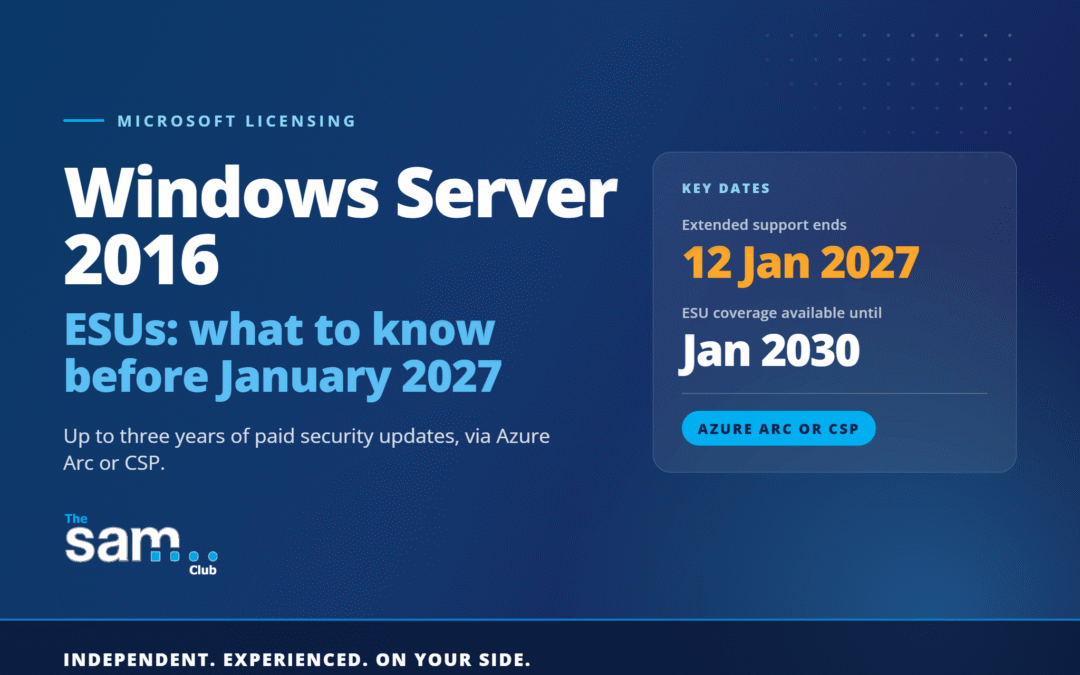
Microsoft has announced the General Availability of Windows Server 2016 ESU (Extended Security Updates) for Windows Server 2016. With extended support ending on 12 January 2027, this gives organisations still running Windows Server 2016 a clear, paid route to keep receiving Critical and Important security updates for up to three years, through to January 2030.
If you have Windows Server 2016 anywhere in your estate — a domain controller, a file server or an application server that is proving difficult to migrate — now is the time to plan, not January 2027.
What does ‘End of Support’ mean for Windows Server 2016?
Once a server operating system reaches end of support, Microsoft no longer provides regular security updates, non-security updates or standard technical support for the product. The server will keep running, but every newly discovered vulnerability from that point on goes unpatched, leaving it an increasingly attractive target and potentially creating compliance, audit or cyber-insurance concerns depending on your organisation’s requirements (more on that below).
What are the options?
- Upgrade to a supported version of Windows Server: The most straightforward long-term fix is migrating workloads to Windows Server 2022 or 2025, provided your hardware and applications support it.
- Replatform to Azure: Moving eligible workloads to Azure or Azure Local may allow you to receive ESUs without separate ESU purchase costs, subject to Microsoft’s eligibility rules.
- Extended Security Updates (ESU): For servers that need more time, Microsoft is now offering ESU for Windows Server 2016 through two routes:
- Azure Arc-enabled ESUs (new)
Announced generally available on 6 August 2026, this lets you deliver ESUs to on-premises, edge or multicloud servers by connecting them to Azure Arc. It’s billed monthly and pay-as-you-go rather than in yearly blocks, drawing down from your Azure Consumption Commitment where applicable, and it comes bundled with Azure Update Manager, Change Tracking and Azure Policy at no extra cost — useful if you’re managing a mixed estate. It requires Software Assurance (or an equivalent Server Subscription) and isn’t available via SPLA. Full detail on eligibility and enrolment is in Microsoft’s announcement here: Generally Available: Windows Server 2016 Extended Security Updates enabled by Azure Arc.
- Traditional ESUs through CSP
For organisations that prefer to buy in the conventional way, the traditional Windows Server 2016 ESU SKUs (Standard Core and Datacenter Core) are now available through the CSP channel, purchased in yearly increments rather than Azure’s pay-as-you-go model.
Either way, ESU coverage is limited to Critical and Important security updates only — no new features, and no general technical support — so it should be treated as a bridge to migration, not a permanent home.
Organisations should verify their eligibility and licensing position directly with Microsoft or their licensing adviser before purchasing ESUs, as requirements differ depending on deployment model and licensing programme.
Why this also matters for Cyber Essentials
If your organisation holds, or is renewing, Cyber Essentials or Cyber Essentials Plus, this isn’t just a Microsoft licensing decision. As we covered in Cyber Essentials End-of-Life Software – What’s Changed, the scheme’s new question set, “Danzell”, takes effect from 27 April 2026 and is significantly less forgiving of unsupported software. Windows Server 2016 running after 12 January 2027 without an applicable ESU entitlement is likely to be considered unsupported software for Cyber Essentials assessment purposes — and under Danzell, this could affect the outcome of both Cyber Essentials and Cyber Essentials Plus assessments.
In other words: an ESU decision you make for operational reasons this year could directly affect a certification renewal next year.
If you already have a tool that can inventory your Windows Server estate and we have access to the data, we can help identify servers that have reached, or are approaching, end of support. One option we suggest is Licenseware, which can help organisations identify Windows Server installations and other software assets. Pricing and functionality should be confirmed directly with the vendor. If you would like more information about Licenseware or would like to arrange a demonstration, please contact us.
Conclusion
With Windows Server 2016 support ending on 12 January 2027, and up to three additional years of paid security coverage now available through either Azure Arc or traditional CSP licensing, the priority now is knowing exactly where Windows Server 2016 still sits in your environment and deciding, server by server, whether it’s heading for migration, replatforming or ESU coverage — well before the clock runs out.
If you’d like help identifying where Windows Server 2016 is still running across your estate, or understanding which ESU option aligns with your licensing and technical requirements, get in touch with The SAM Club info@thesamclub.co.uk.